Denna's "how to make carrds" carrd
This is just how I personally like making carrds! Of course, I suggest experimenting to see what you like best! Just click around, there's always the undo button!
I tend to think of a theme/find an image I like and construct a carrd from there! I always enjoy looking at other people's carrds as well to get layout ideas! This is just a quick walkthrough on a page starting from scratch (which is how I prefer to start, But you can always use my tutorials and apply them to a pre-made layout!) You can follow the buttons in order to create a new page with me or simply choose the tutorial you need!
Creating a New Page
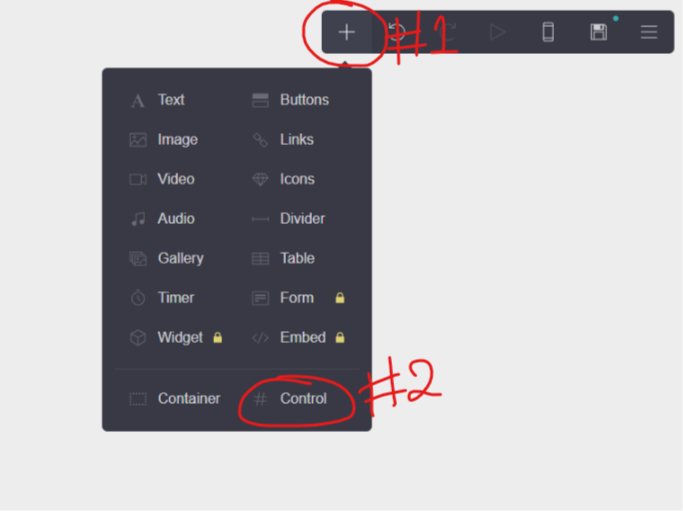
Following the image, You want to select "#Control". This creates the divider that will mark a new page.
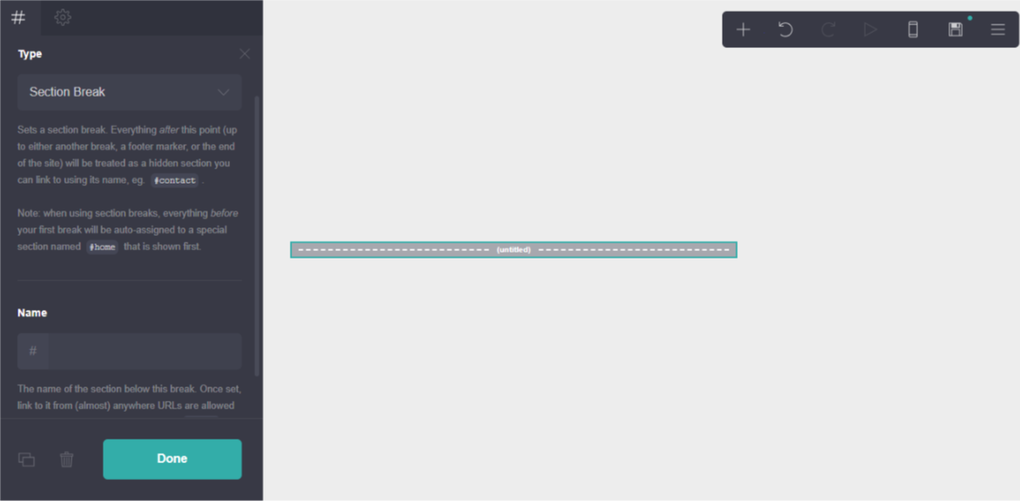
Now we have an untitled control bar. The very top will always be the home page, so since this is the first control bar we have, anything above it will be on the home page. Everything below the bar will be a new page.
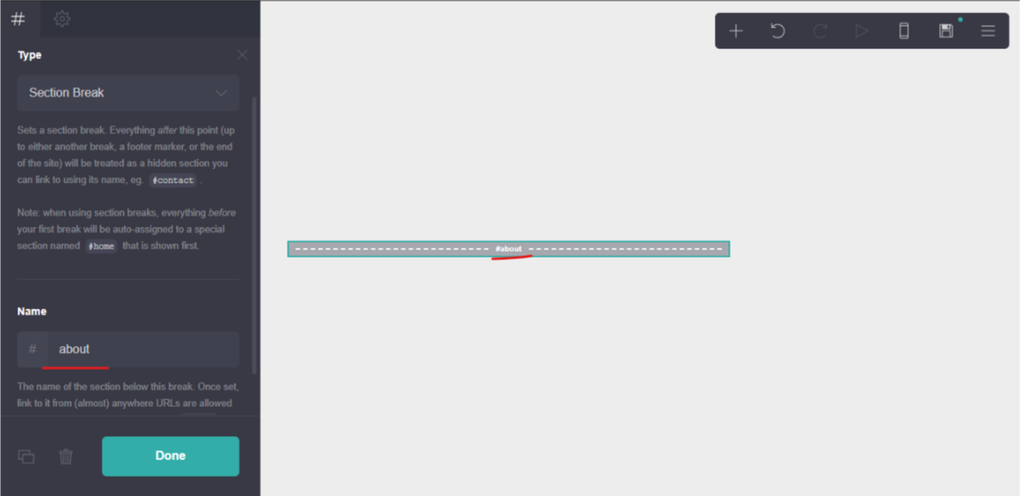
The first page I want after the home page is an about page, So I name the control bar about (You can name it anything you want). Everything placed below this will be the about page.
Creating a container
Now, containers aren't always aren't necessary, unless you want to create columns, or if you want a carrd with multiple uniform pages, it's easier to have all the contents in 1 container that can easily be duplicated. (duplication addressed in tips)
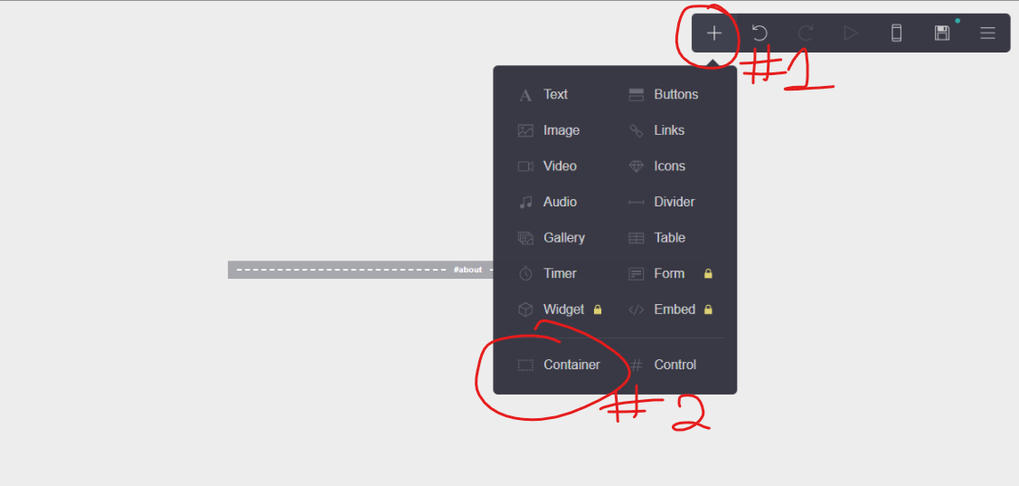
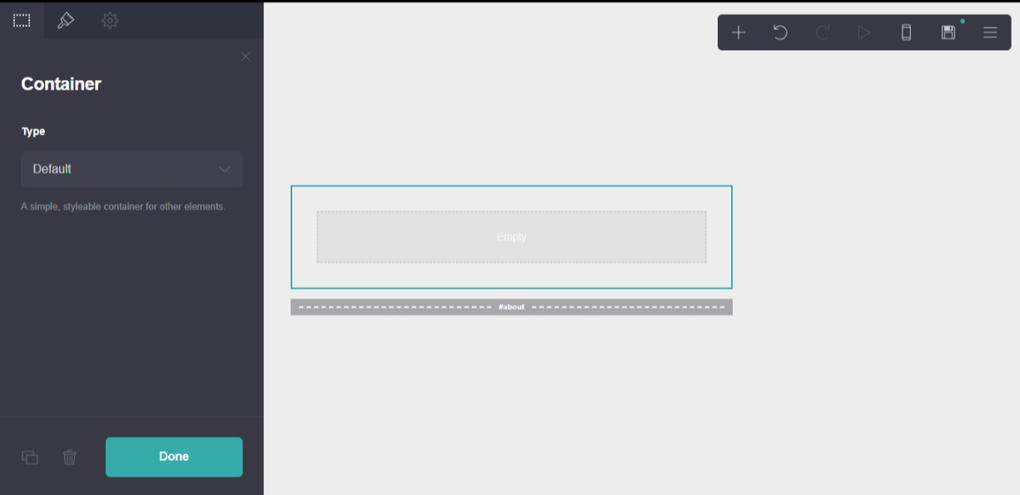
The container can be found right next to control. Now, A container is simply just a box to hold stuff- anything (pictures, text, etc.) The default container just often makes it easier to organize things.
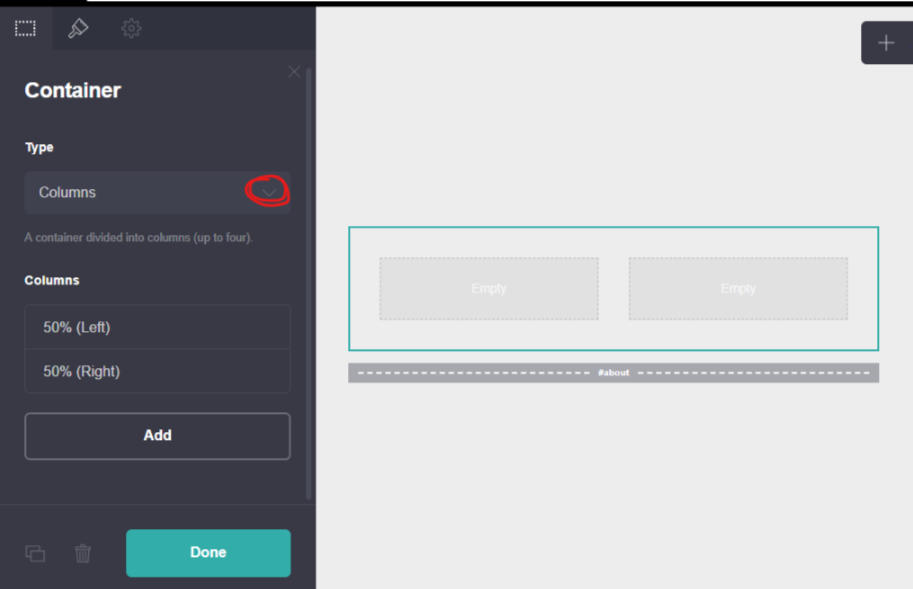
You also have the option to add columns to a container. You can add up to 4 columns and adjust the amount of space each column gets. Columns are great if you want a row of separate paragraphs (great for separating girl/boy bias lists) or multiple images (great for aesthetic/instagram/moodboard themes and pictured bias lists.)
Tips
-Copy and paste is your friend!
-Always check the mobile version when creating a carrd! People will see the mobile version way more often than the desktop version so it's important that it looks nice!
-Remember to add http:// when inserting outside urls!
-If you're not keen on different fonts, mess around with italics and bolding! The default font is nice and clean.
-I like to ensure the ease of navigability when making a carrd. Always have back/home buttons! You don't want people getting lost!
-A carrd is much more pleasing to the eye and touch when pages are evenly sized. If you have a home button at the bottom of the screen, it's not as professional looking when it shifts up and down! Try to keep most pages generally uniform when possible, just for ease of navigation :)
-Most importantly, Have fun, mess around, and make something you enjoy!
Duplication
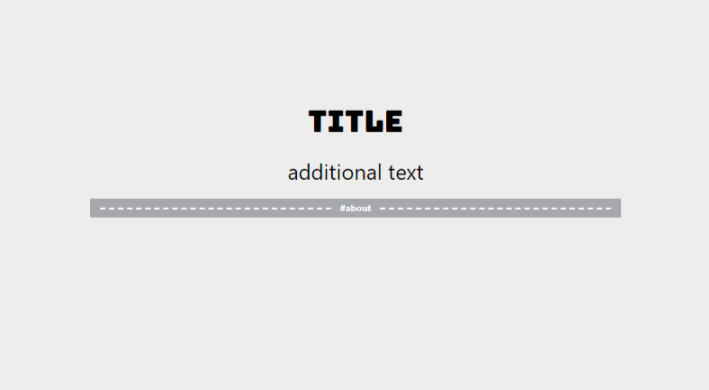
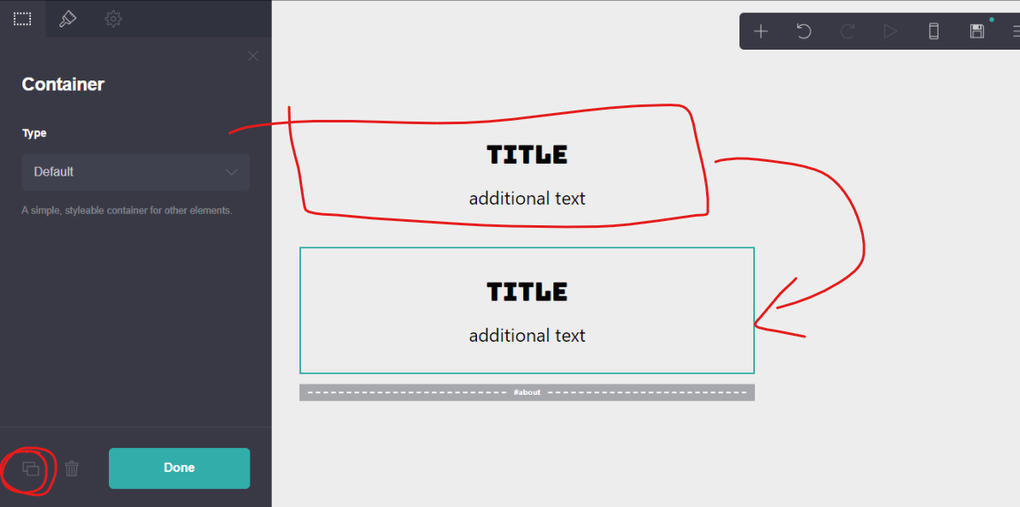
Say, you had this Title on your home page, and you wanted the same style on another page, but You didnt want to search for the font again.
You simply click "copy this element" (circled in red) and it will copy and past the Title, allowing you to change and move the copied text while keeping a uniform font, size, and color across all titles.
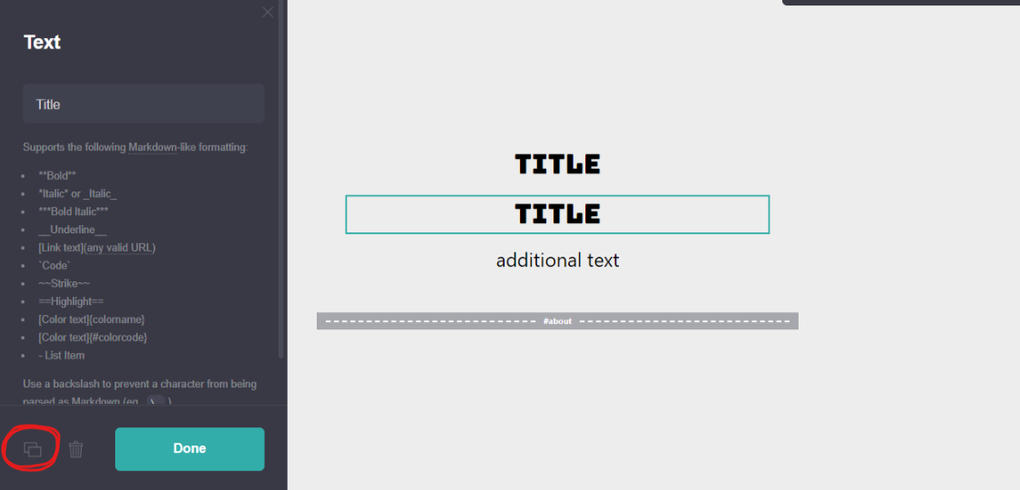
Adversely, if you wanted to take both the title and subtext at once, you can copy a whole container. If the Title and subtext are both located in a container, they can be copied together.
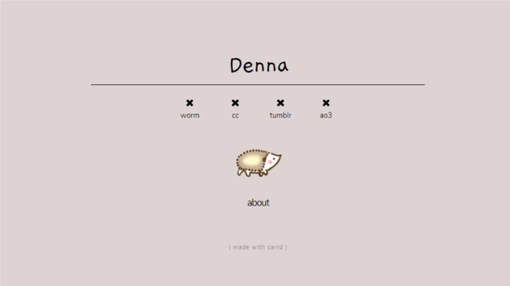
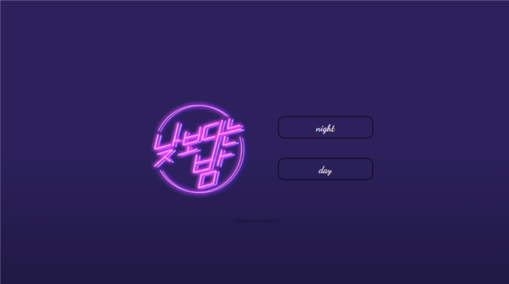
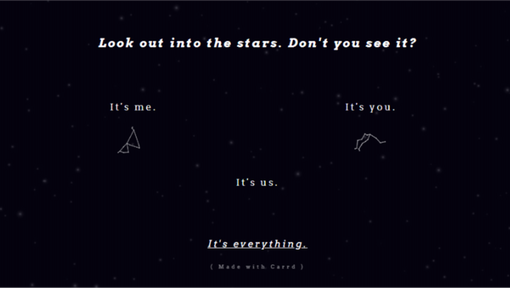
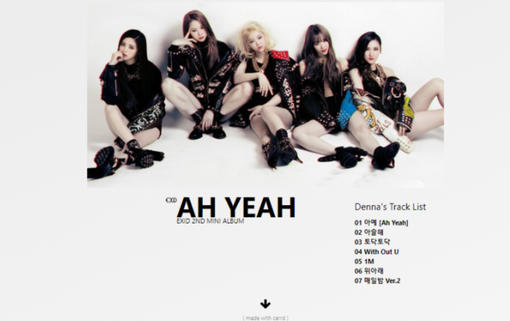
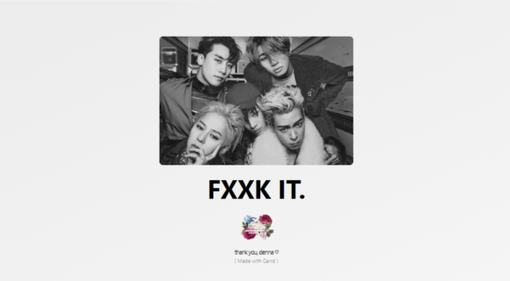
These are carrds that I've created. Most just sitting around in my account, a few I've made for friends! Feel free to browse and find ideas!
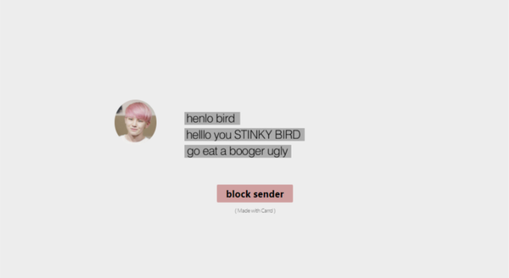
((the henlo stinky carrd is aaaaaa memey one i was experimenting with BUT))